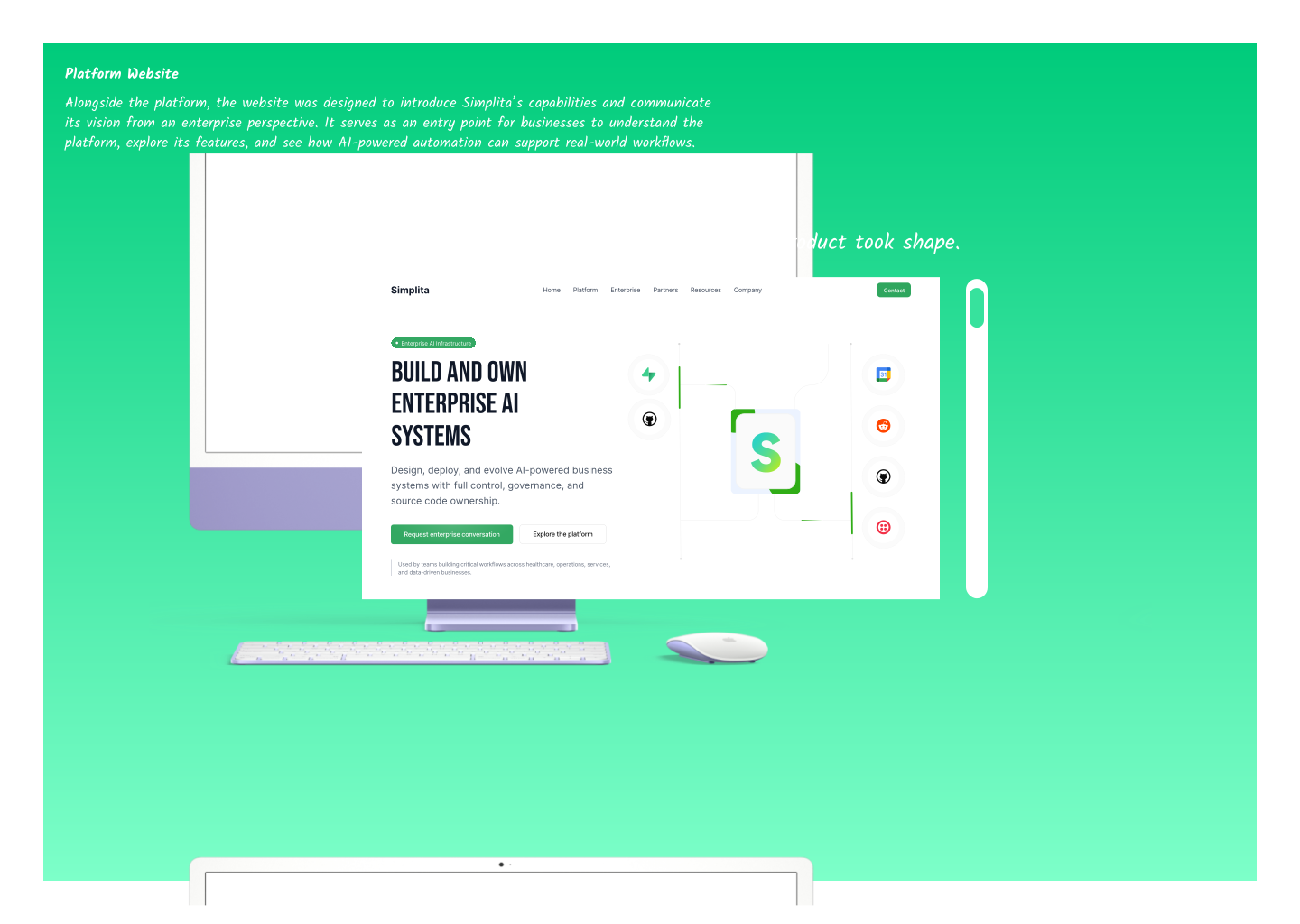
An enterprise AI automation platform that enables businesses to design, automate,
and deploy complex workflows through a unified visual environment.
Simplita.ai

Simplita.ai
Designing the foundation of Simplita
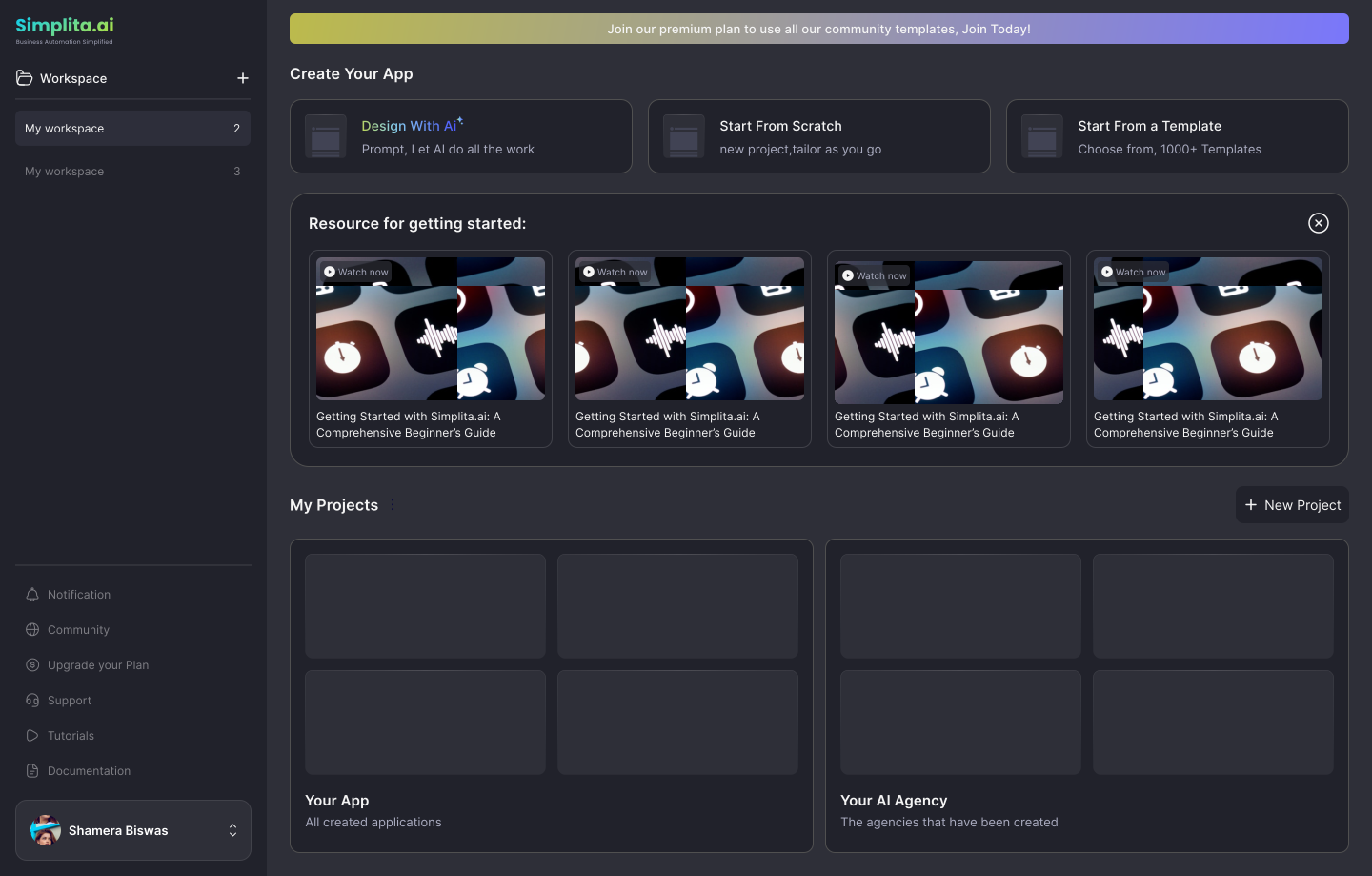
Simplita.ai is an enterprise AI automation platform that enables businesses to design, automate, and deploy complex workflows through a unified visual environment. By connecting applications, data, and AI agents, the platform helps organizations build scalable automation systems that streamline operations and accelerate digital transformation.
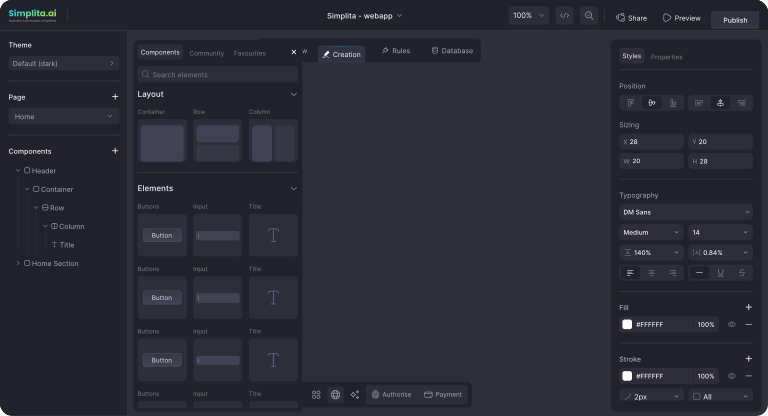
Built to support modern enterprise needs, Simplita combines visual workflow design, intelligent automation, and full-stack development capabilities into a single platform, allowing teams to create powerful business systems with greater flexibility and control.
Company
SIMPLITA AI TECHNOLOGIES PVT LTD
Timeline
April 2025 - February 2026
Role
Product Designer
I led the product design for Simplita—defining the UX, shaping core workflows, and helping bring the first usable version of the platform to life. I also worked on building the design system and collaborated closely with developers to translate complex automation ideas into clear, usable product experiences.
Team
- 1 Product Designer
- 2 Ui/UX Designers
- 1 Product Manager
- 2 Engineering Manager
- 4 Tech Leads
- 7 Developers
- 7 Simplita Automation Engineers (In-app developers)
- 4 Digital Marketing staffs
Quick Overview
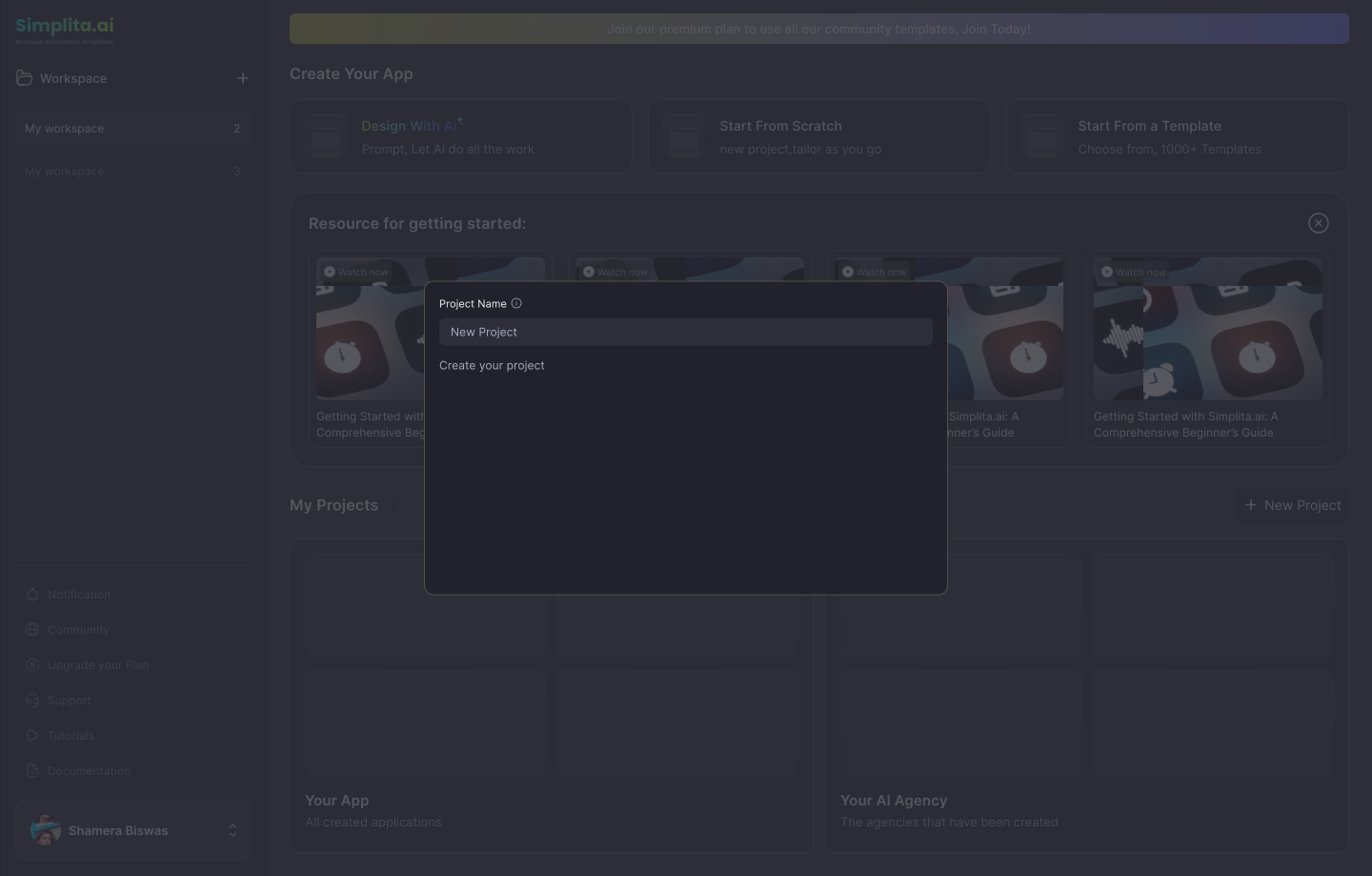
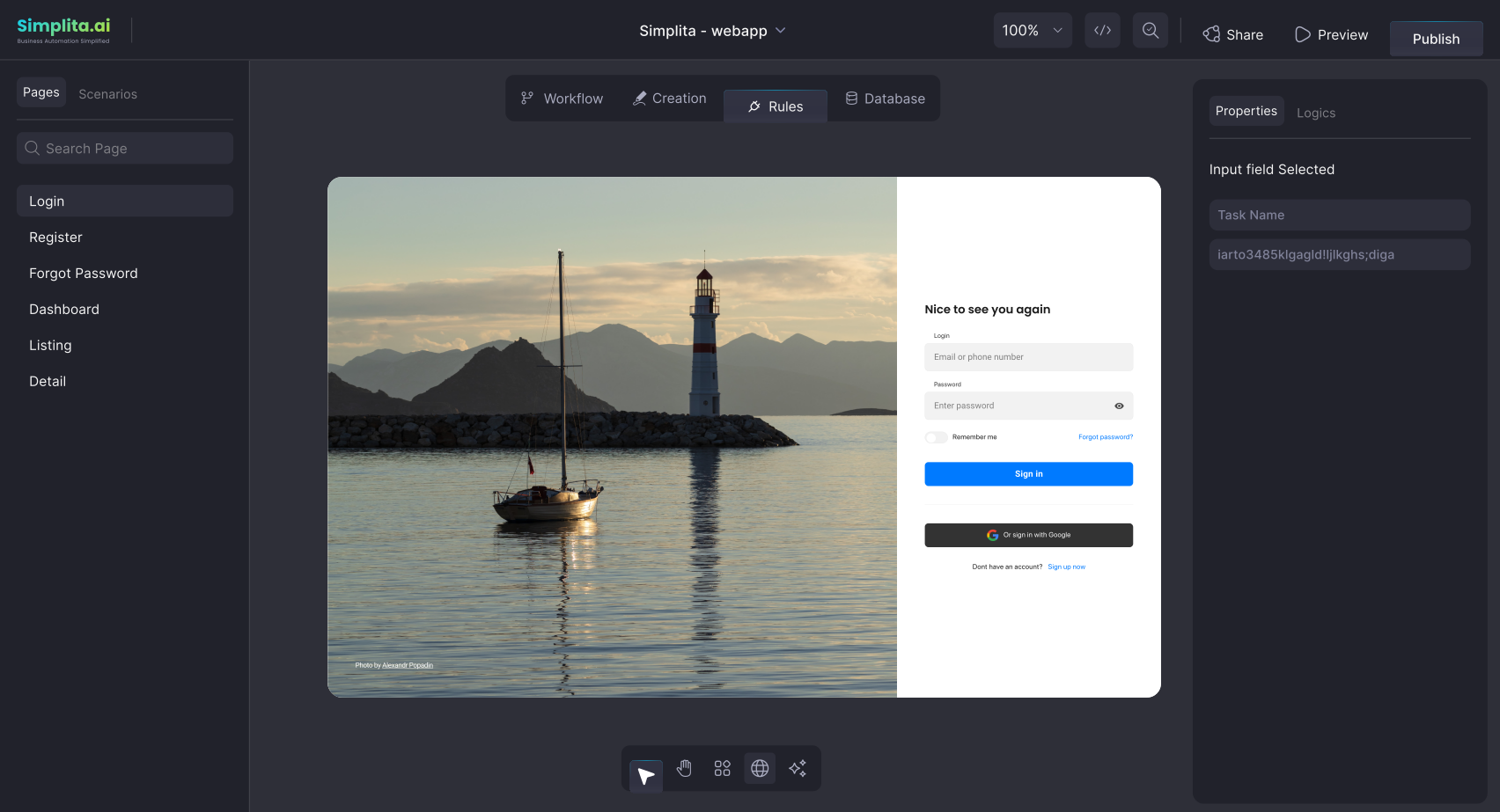
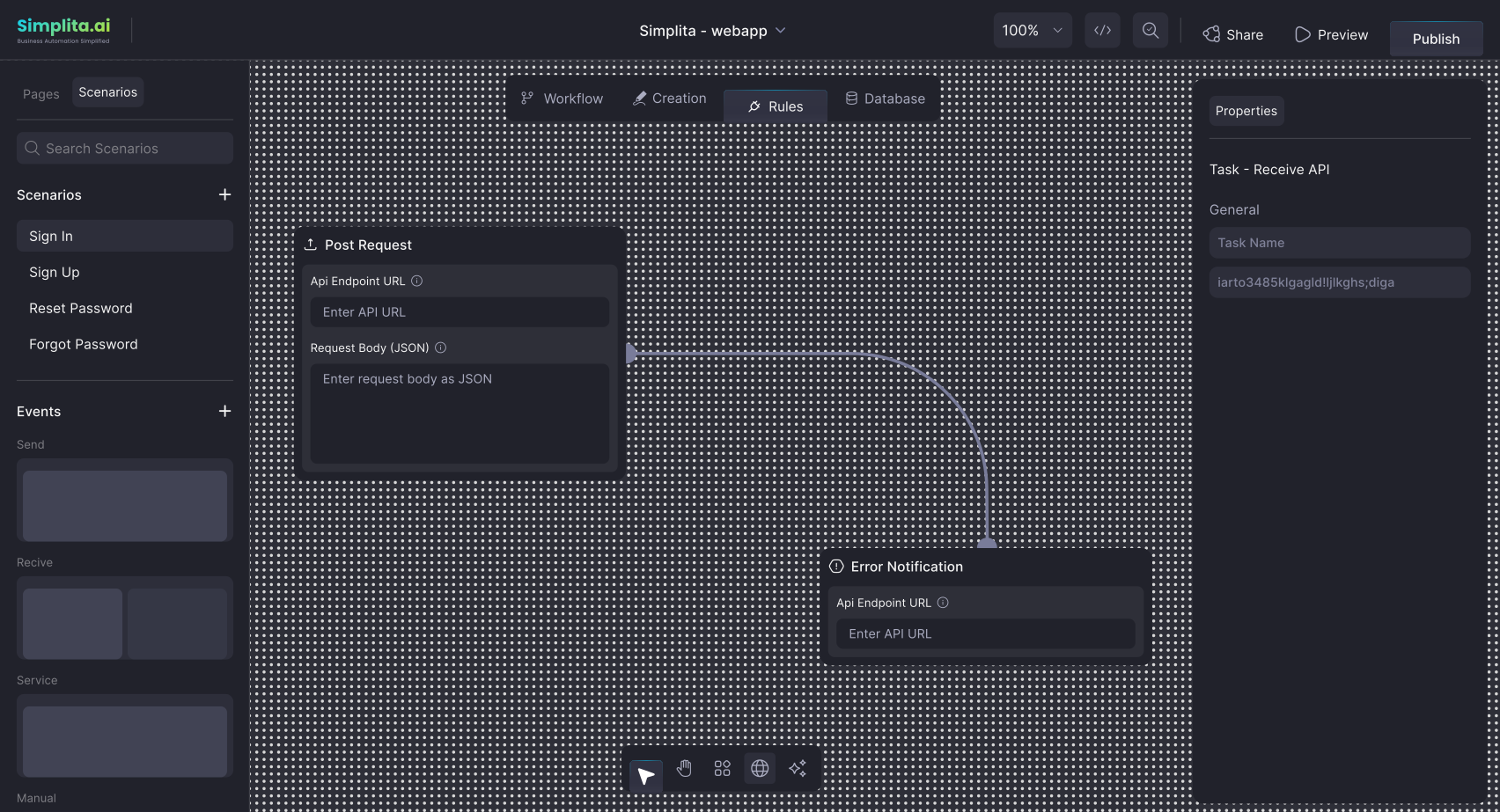
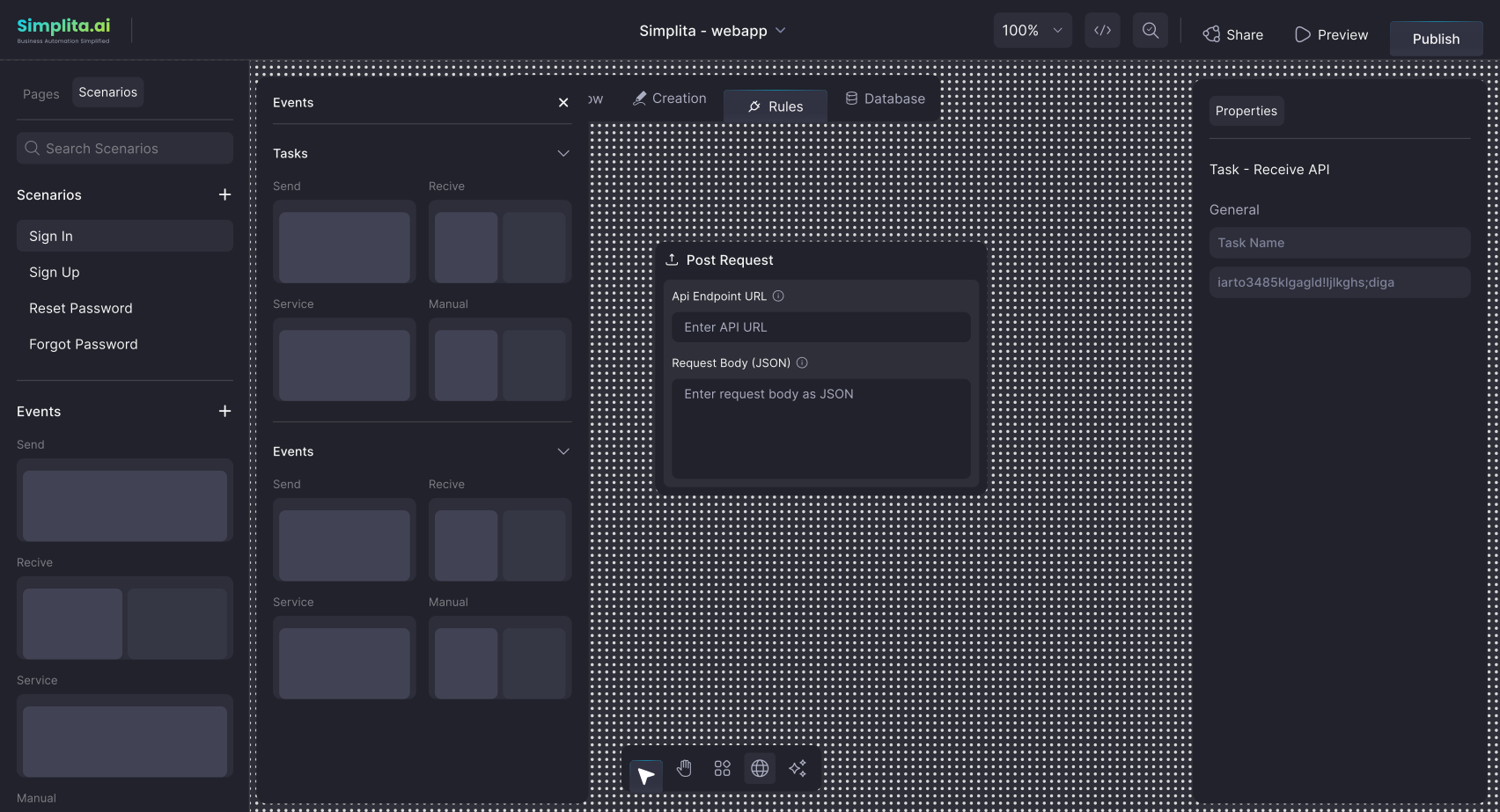
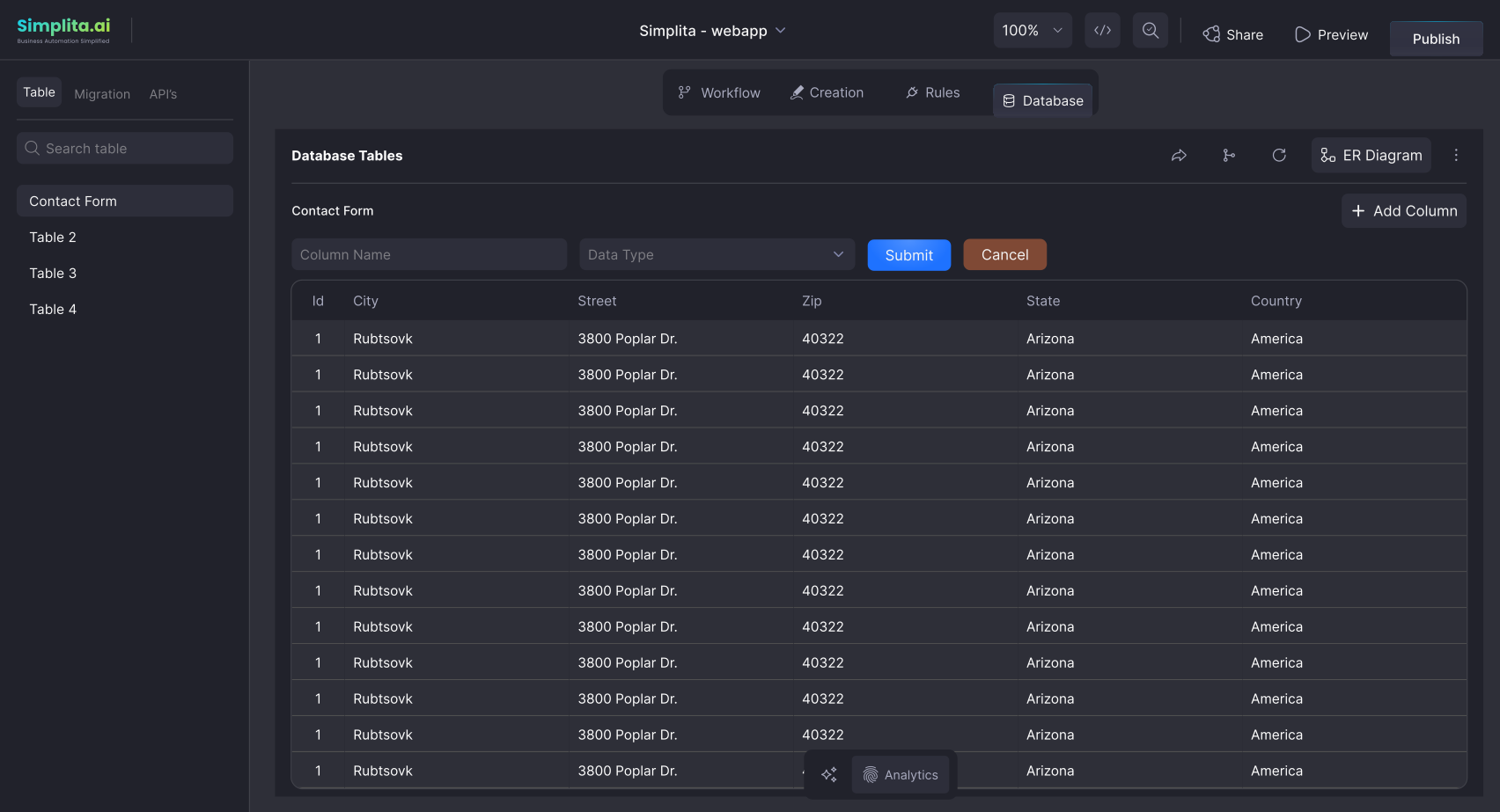
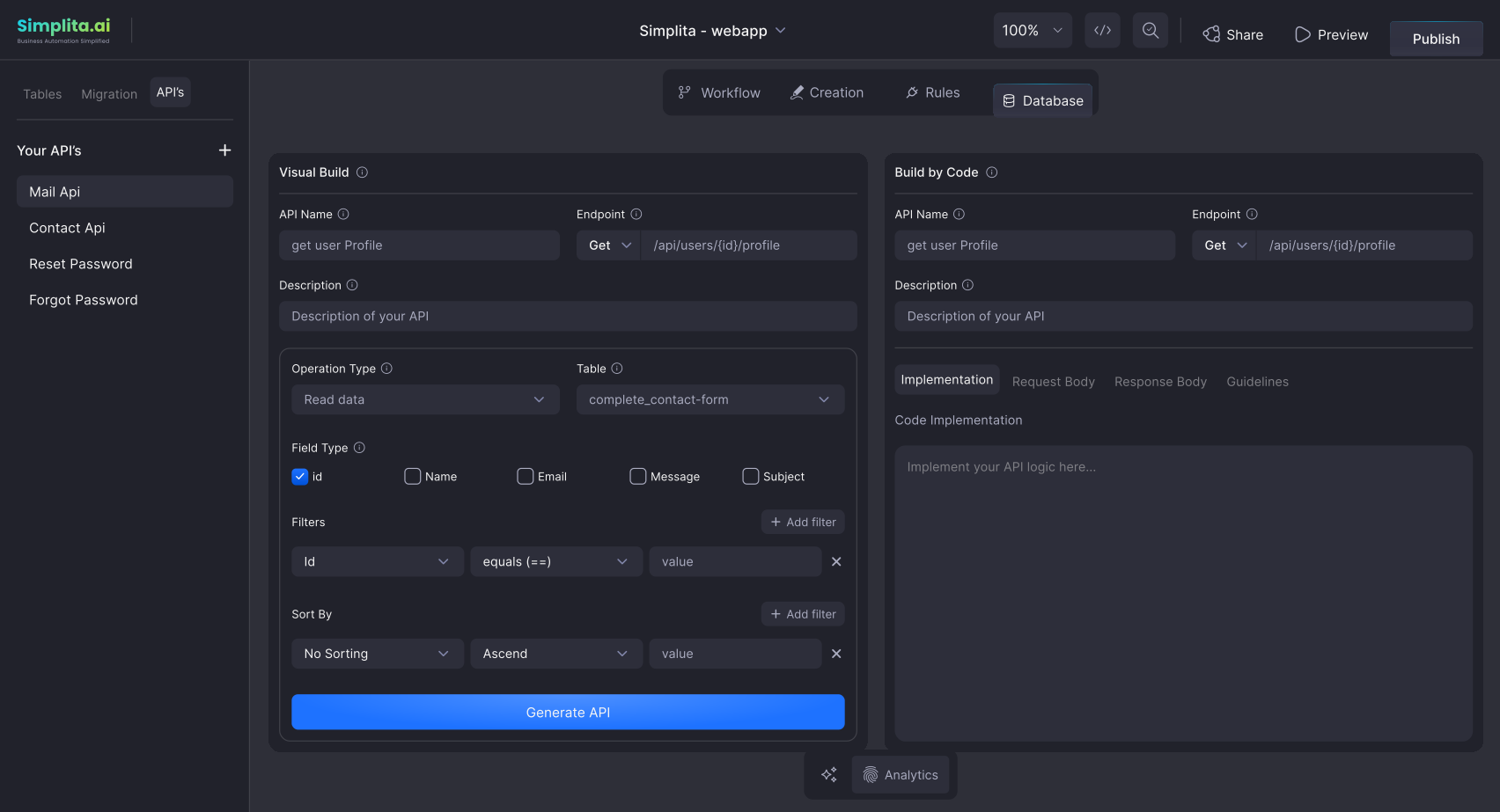
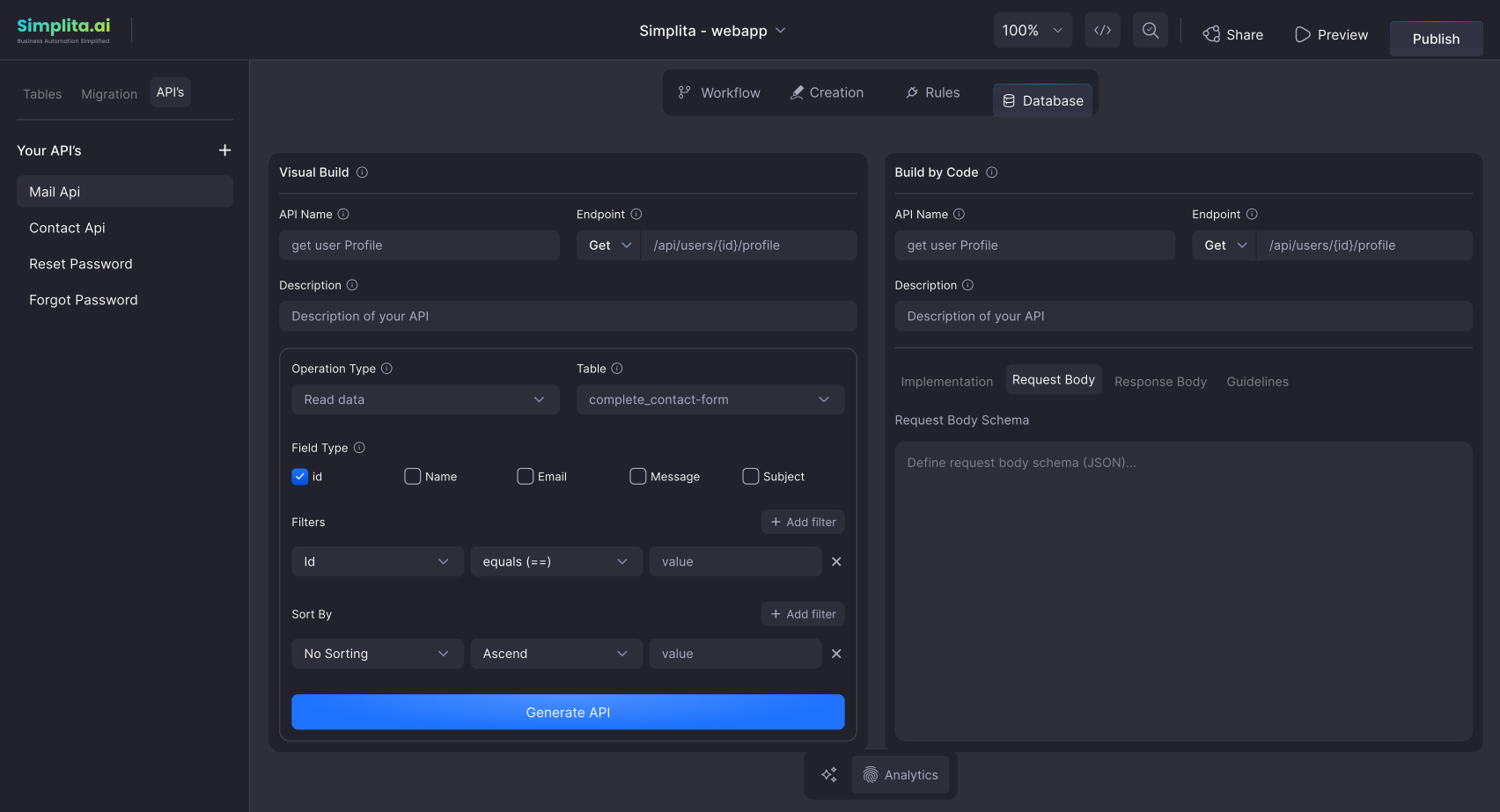
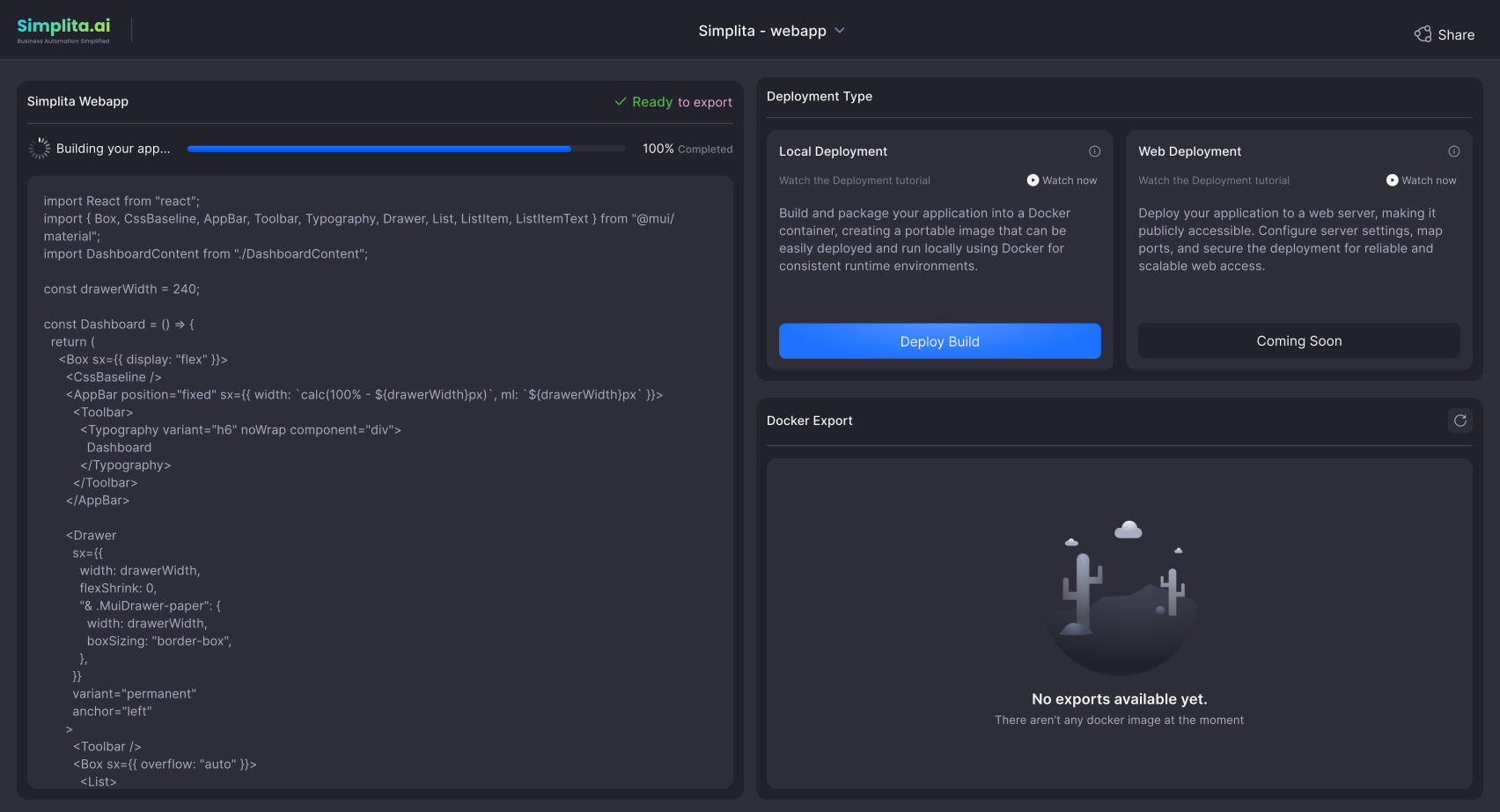
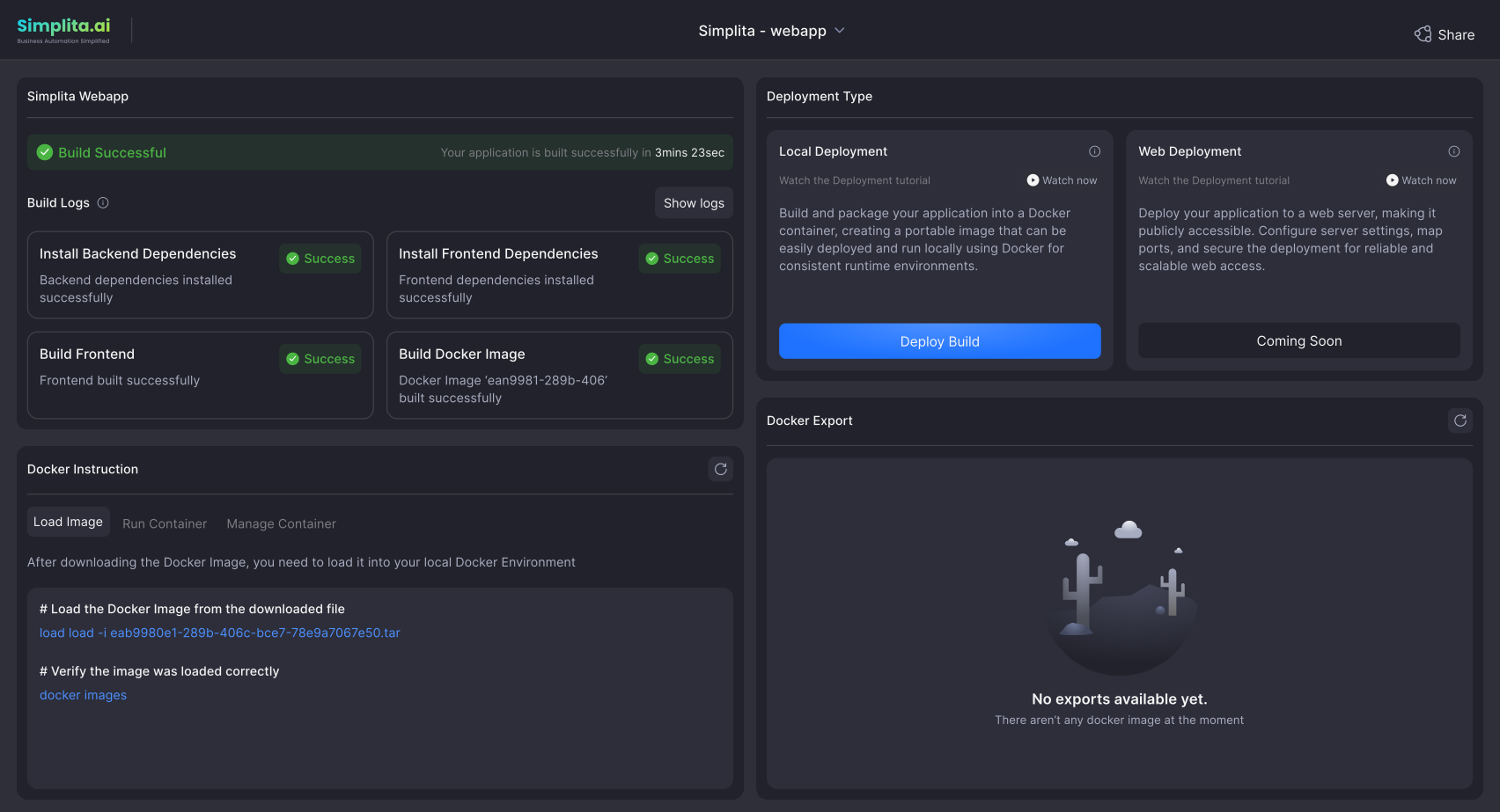
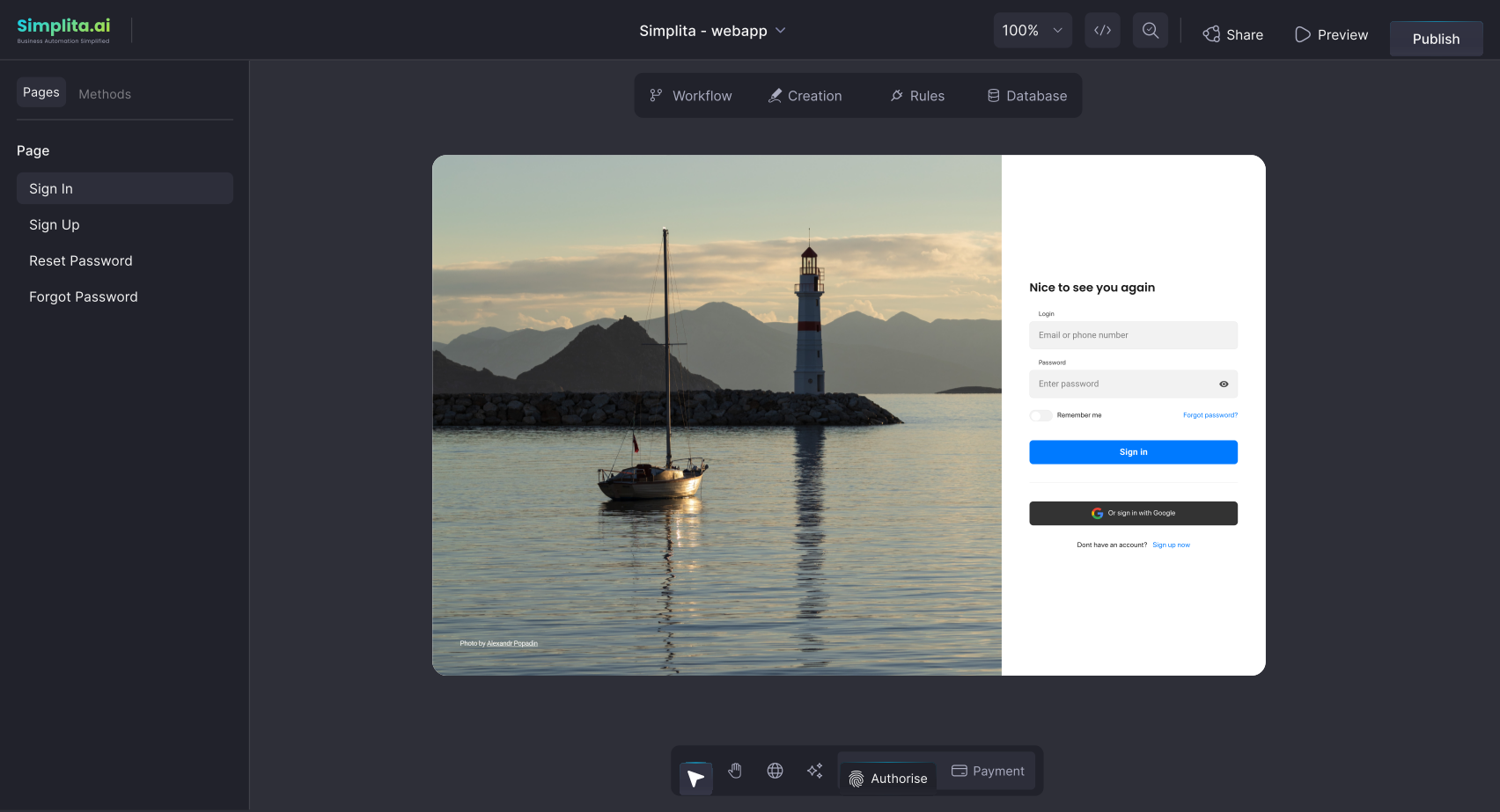
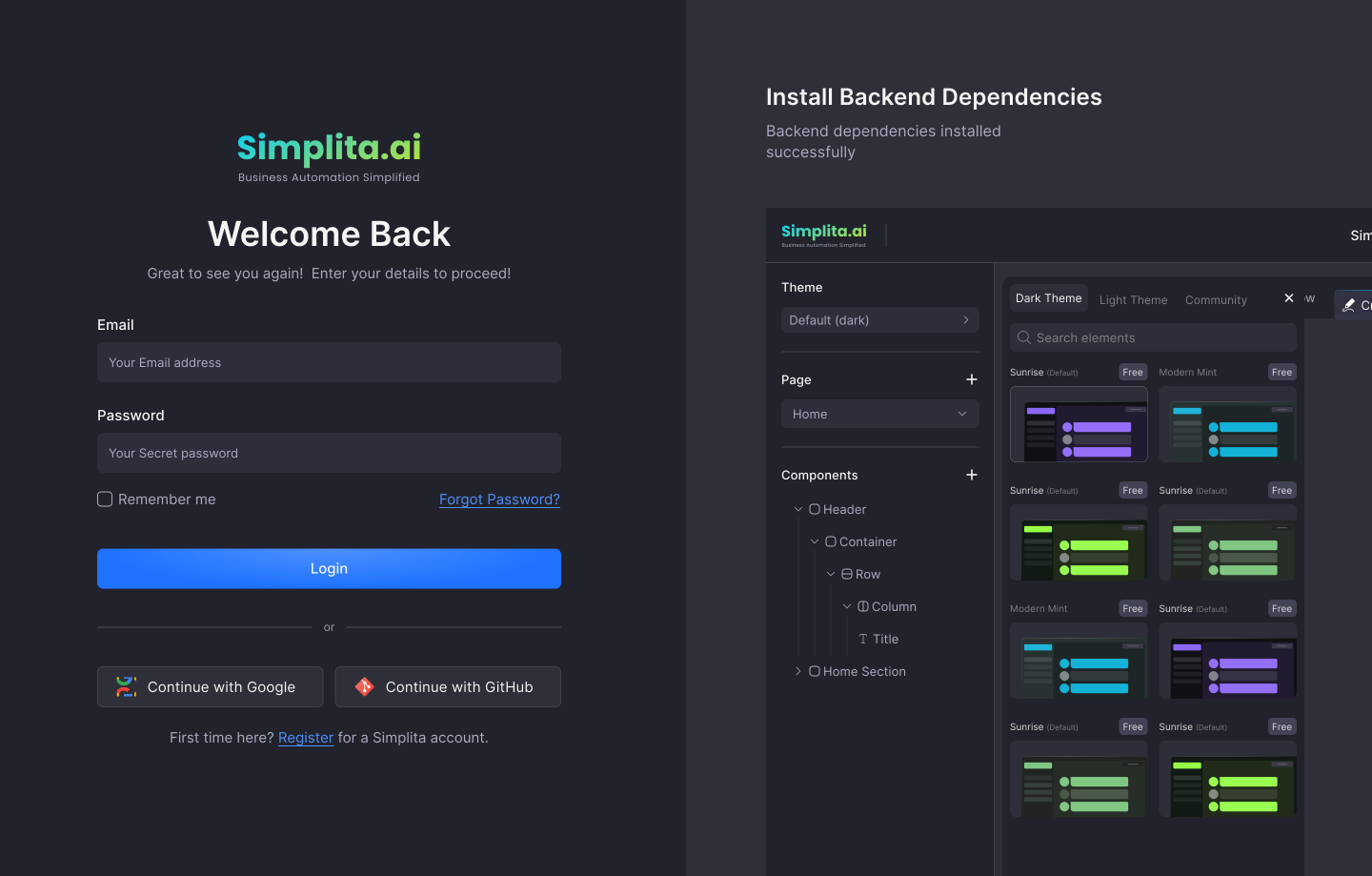
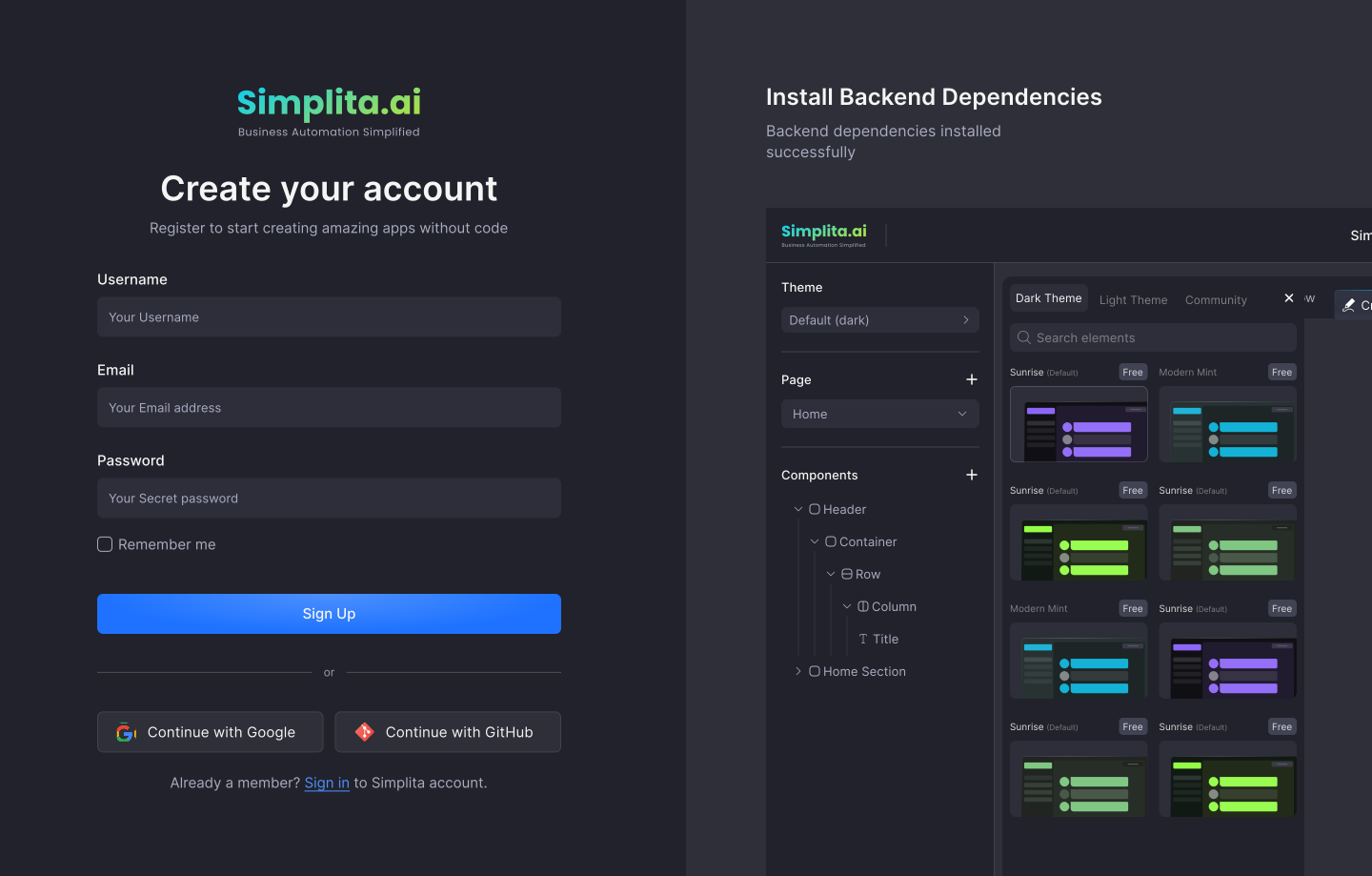
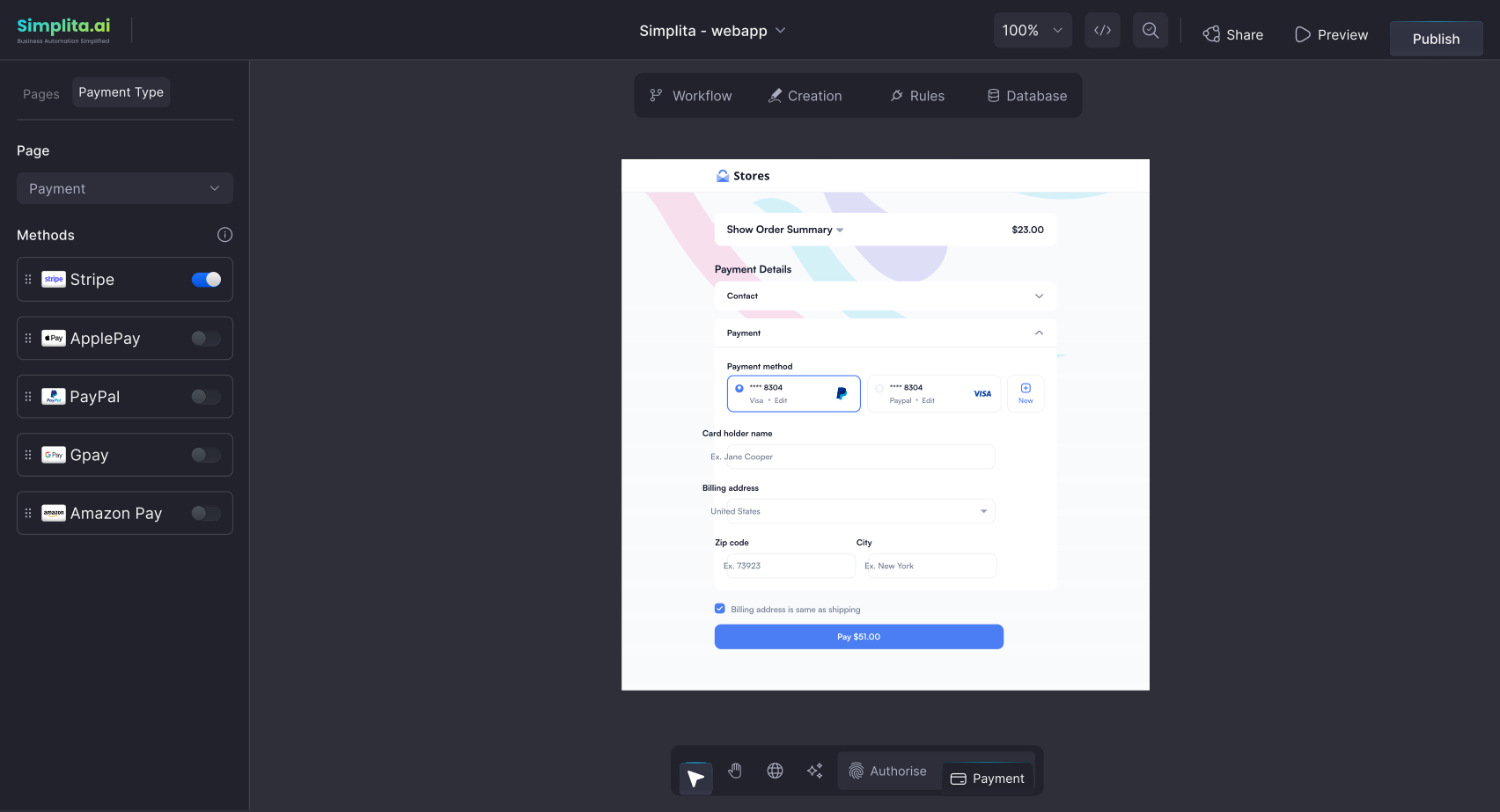
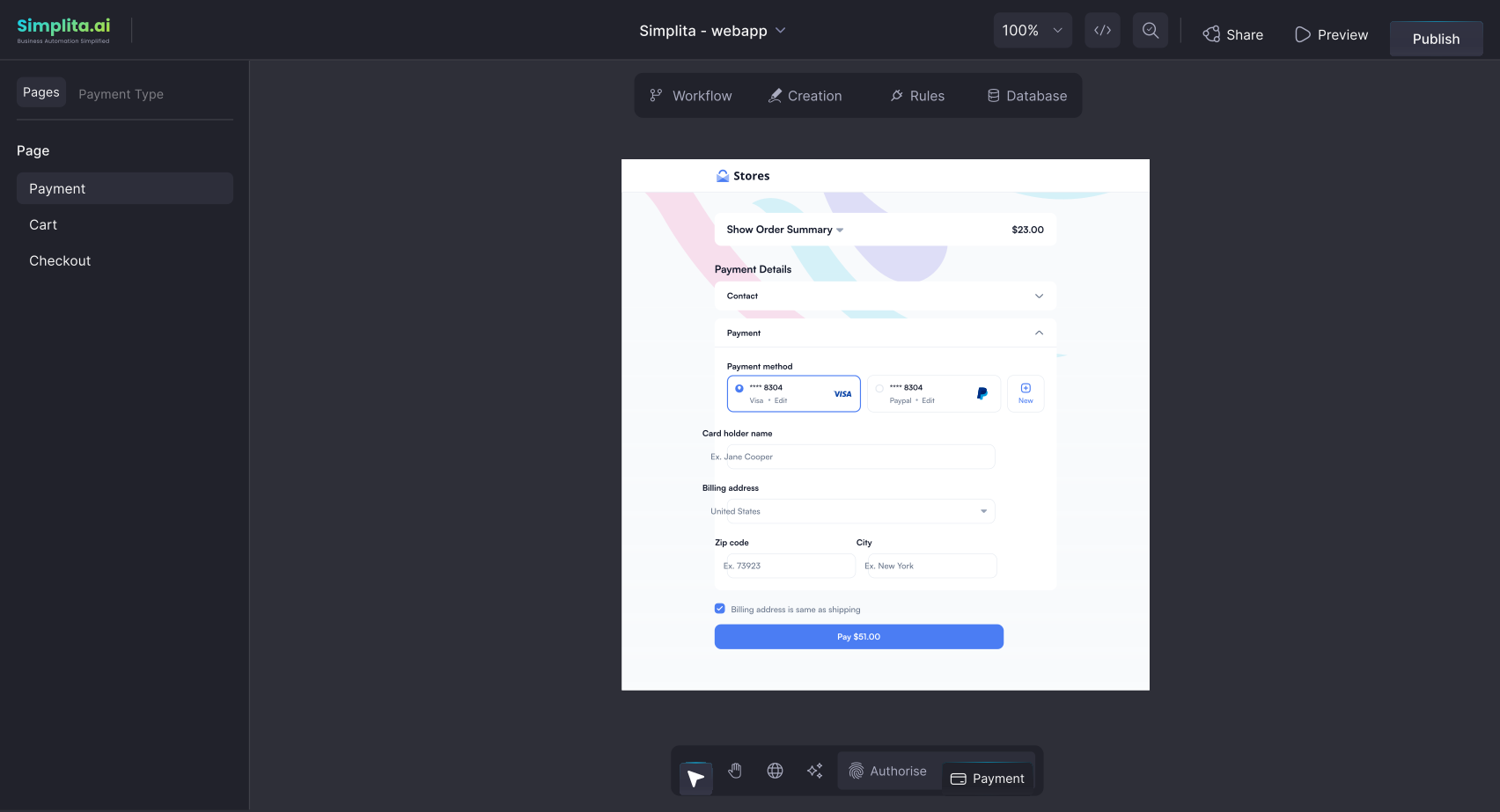
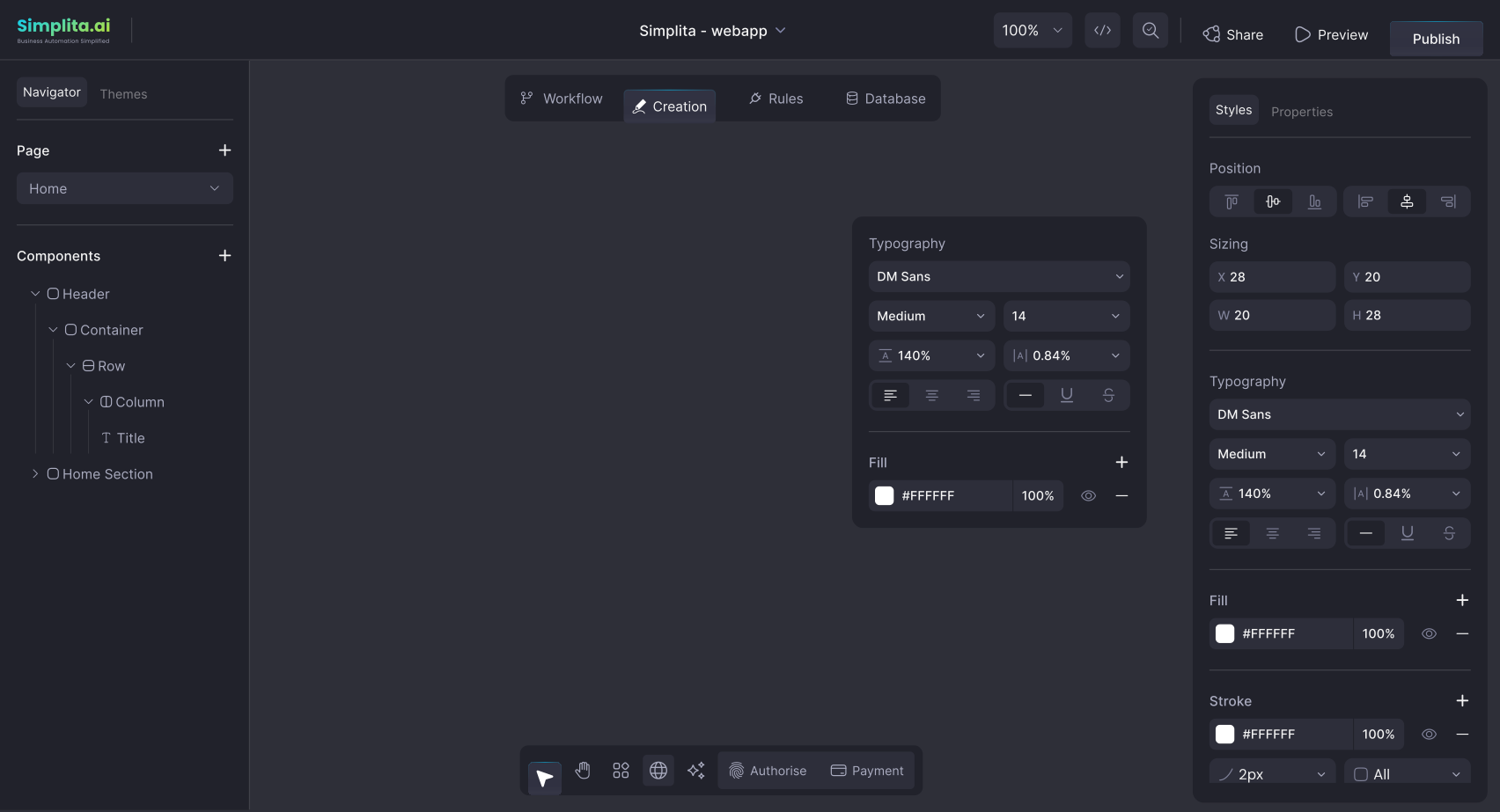
My goal was to help translate Simplita's vision into a clear and
usable product—structuring the experience so complex automation
workflows could be designed, understood, and managed through
an intuitive interface.
My Design Approach
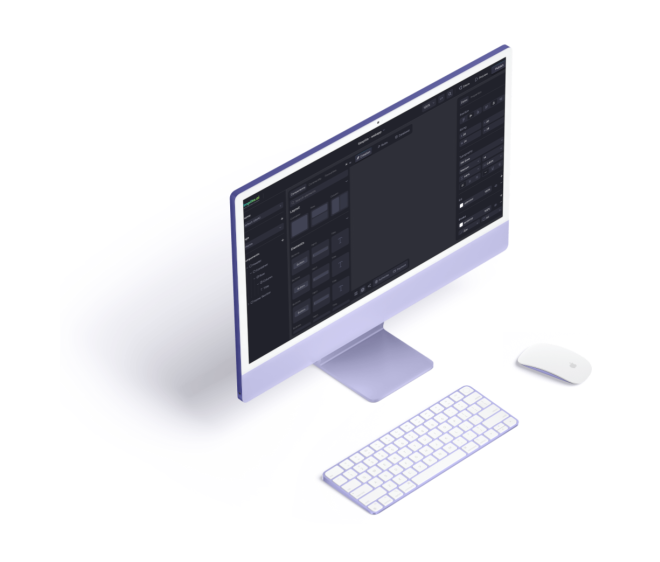
My approach focused on simplifying complexity. Since the platform involved multiple engines, automation logic, and system integrations, the goal was to structure the experience in a way that felt
intuitive while still supporting powerful capabilities. I prioritized clarity in workflows, modular system thinking, and scalable design patterns so the product could evolve as the platform grew.
What was the problem?
- •
Businesses often manage their operations across multiple disconnected tools, spreadsheets, and manual processes, making workflows fragmented and difficult to scale.
- •
Implementing automation or AI-driven solutions typically requires heavy engineering effort, slowing down experimentation and limiting accessibility for many teams.
- •
Existing automation tools often focus on isolated workflows rather than complete systems, making it difficult for organizations to build scalable, long-term solutions.
- •
Teams lacked a unified environment to design, connect, and deploy workflows, data systems, and AI logic in a structured way.
Understanding the Problem
- •
Creating a platform where teams can visually design and manage complex automation workflows without needing to build everything from scratch.
- •
Providing a unified environment that connects workflows, data, integrations, and AI agents into a single system.
- •
Enabling businesses to build scalable automation systems rather than isolated tools, making it easier to evolve workflows as needs grow.
- •
Giving organizations greater control and ownership over their automation infrastructure, ensuring long-term flexibility and adaptability.
My Design Approach
My approach focused on simplifying complexity. Since the platform involved multiple engines, automation logic, and system integrations, the goal was to structure the experience in a way that felt
intuitive while still supporting powerful capabilities. I prioritized clarity in workflows, modular system thinking, and scalable design patterns so the product could evolve as the platform grew.
I moved into a focused research phase, combining desk research with a few user interviews to identify patterns, challenges,
and opportunities in how teams approach workflow automation.
Professional Intake
These pointed to a clear need for a platform that simplifies complex automation—bringing workflows, data, and integrations into one scalable, visual system.
Findings emerged from a combination of desk research across industry reports and direct user conversations conducted during the discovery phase.
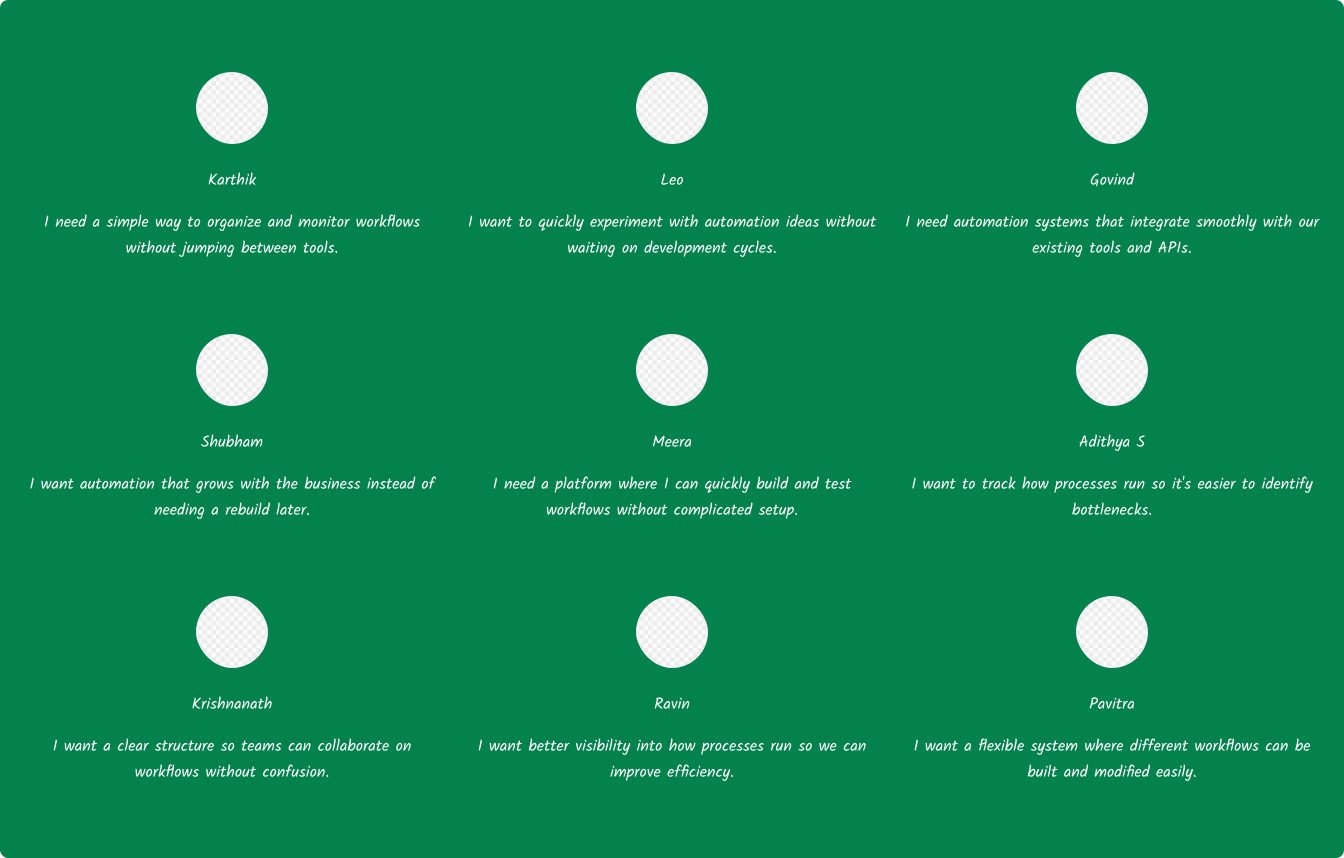
I connected with multiple users from different business and operational backgrounds to understand how they currently manage workflows and automation. These conversations focused on
identifying challenges with existing tools, understanding how teams structure their processes, and exploring what they expect from a scalable automation platform.
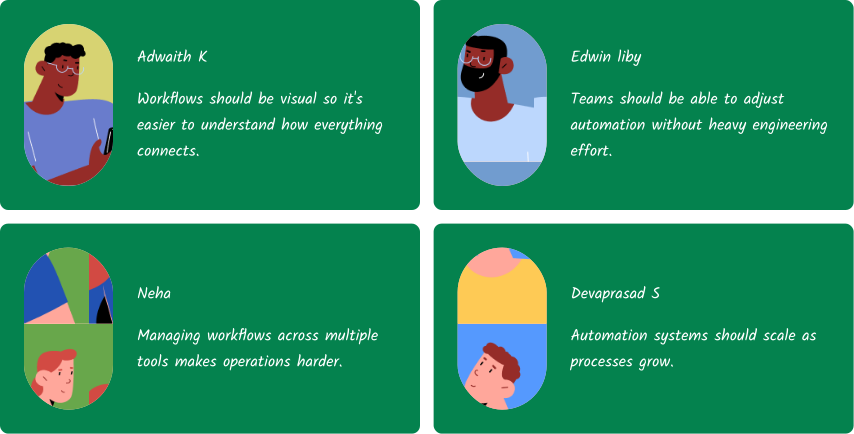
Some of them said:
Insights

Workflows should be visual so it's easier to understand how everything connects.
Managing workflows across multiple tools makes operations harder.
Teams should be able to adjust automation without heavy engineering effort.
What are the user needs?
- ·Businesses often manage their operations across multiple disconnected tools, spreadsheets, and manual processes, making workflows fragmented and difficult to scale.
- ·Implementing automation or AI-driven solutions typically requires heavy engineering effort, slowing down experimentation and limiting accessibility for many teams.
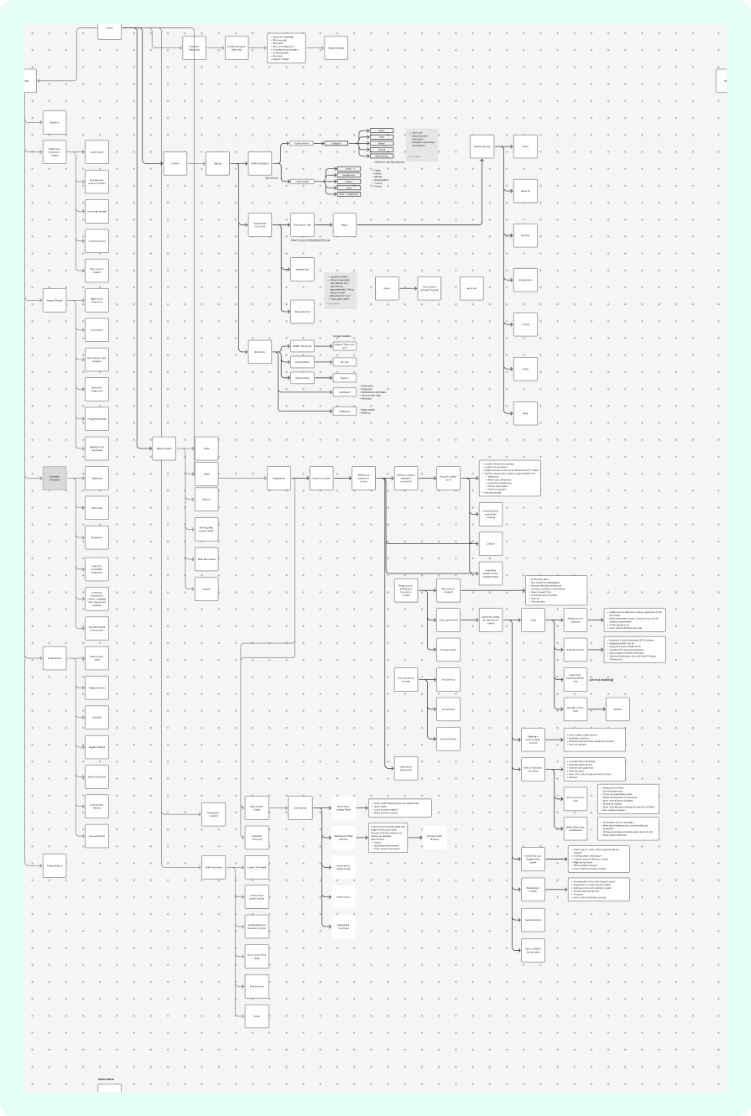
Mapping & Prioritizing Core Workflows
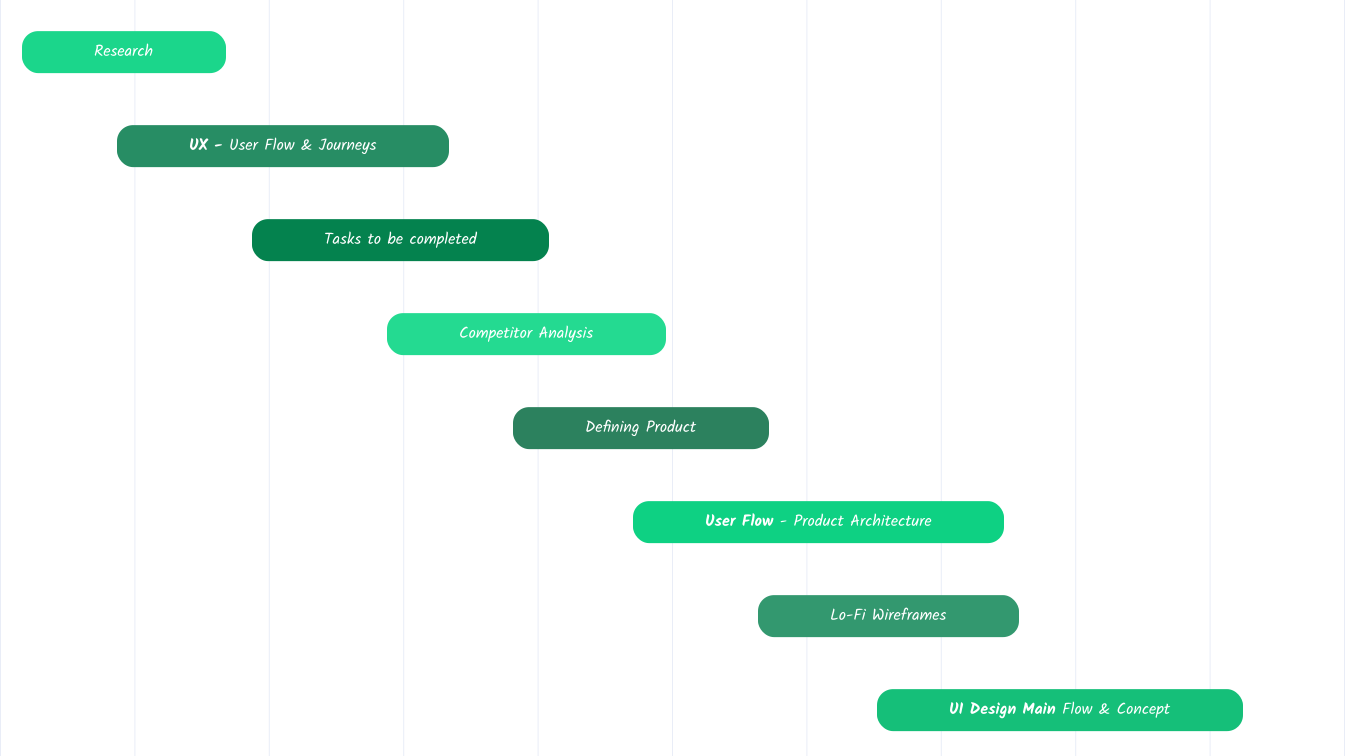
To shape the platform effectively, we first mapped the key tasks users needed to accomplish within the system. These workflows were then prioritized based on their importance and frequency, helping define the foundation for the platform's first functional version.
Example of a Tasks-To-Be-Completed for creating an automation workflow
Since the product was introducing a new concept to the market, gaining a clear understanding of the space was initially challenging. Through user interviews, diverse perspectives from stakeholders, and continuous exploration of industry practices, gradually built a deeper understanding of the problem space and the opportunities within it.
Competitor Analysis
| Product Name | Platform | Core force | Visual Builder | AI Capabilities | Integrations | Database Handling | Deployment | Collaboration |
|---|---|---|---|---|---|---|---|---|
| n8n | Web/Self-hosted | Workflow automation | Node-based workflow builder | Limited AI integrations | Strong API integrations | Basic data handling | Self-host / cloud | Limited |
| Make | Web | Automation between apps | Visual workflow automation | Large integration library | Large Integration Library | External data systems | Cloud | Limited |
| Zapier | Web | App automation | Simple workflow builder | Large app ecosystem | Large app ecosystem | External storage | Cloud | Limited |
| Webflow | Web | Visual website builder | Drag-and-drop UI builder | Integration via APIs | Integrations via APIs | CMS-based data | Cloud | Team Collaboration |
| Bubble | Web | No-code app builder | Visual full-stack builder | API integrations | API Integrations | Built-in database | Cloud | Collaborative editing |
| Retool | Web | Internal tools platform | UI builder + workflow logic | Strong API/database support | Strong API/database support | Native DB Integrations | Cloud / self-host | Team Collaboration |
Collecting Using Journey
Structuring user workflows across the platform journey
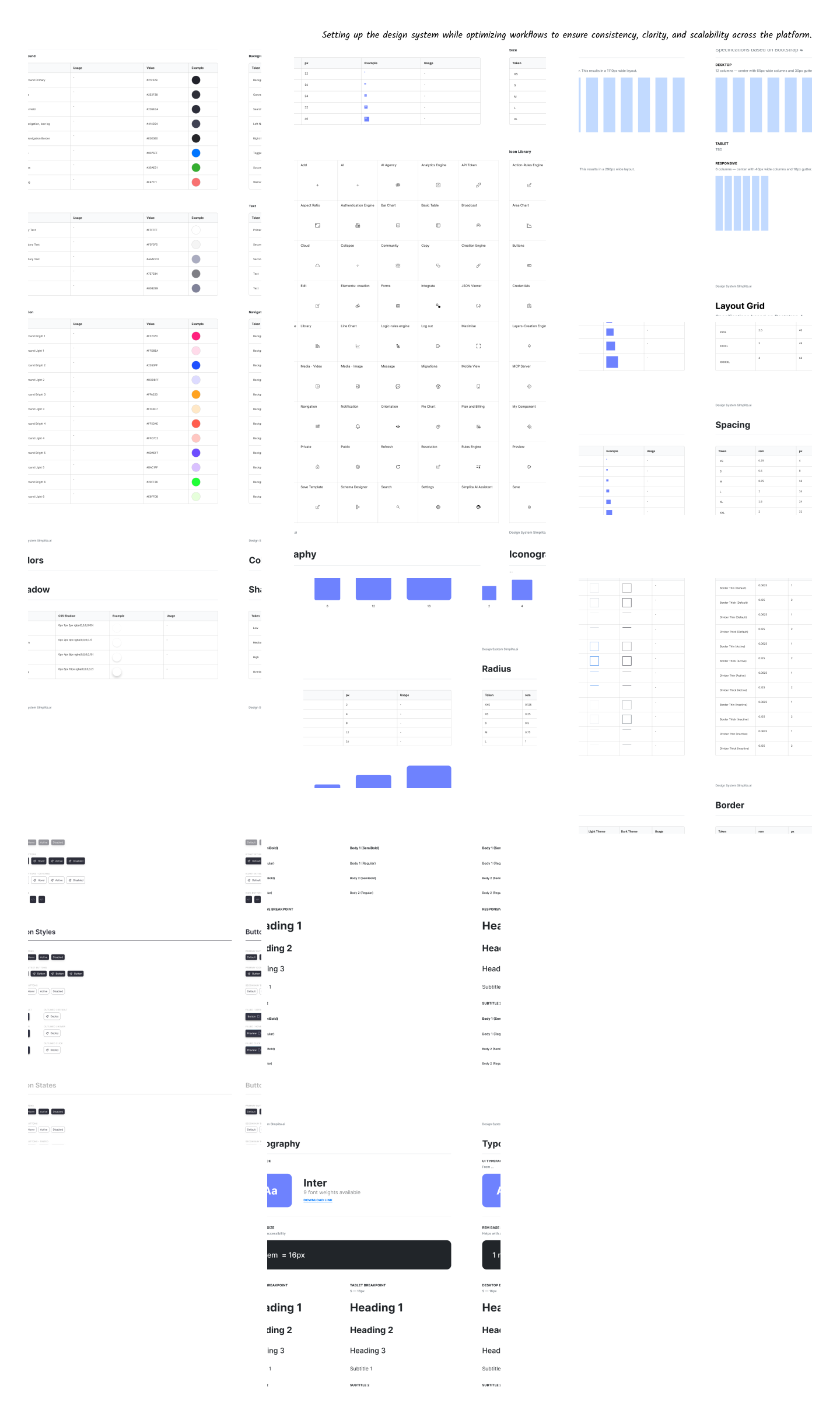
Insights from the research and Tasks-to-be-completed exercises helped identify how users approach automation systems. We grouped these activities into key stages of the product journey, helping us structure the platform experience and define the first MVP features.
Discovery *
Exploring the platform and understanding how workflows can be visually structured.
Setup *
Creating projects, configuring environments, connecting APIs, and setting up data sources.
Build *
Designing workflows, building UI interfaces, defining logic, and structuring automation systems.
Connect *
Connecting external tools, APIs, AI models, and databases required for the workflow.
Deploy *
Testing workflows, previewing applications, and deploying systems to local or live environments.
Manage *
Monitoring workflows, updating automation logic, and maintaining system configurations.
Monitor *
Tracking workflow performance, identifying issues, and improving automation efficiency.
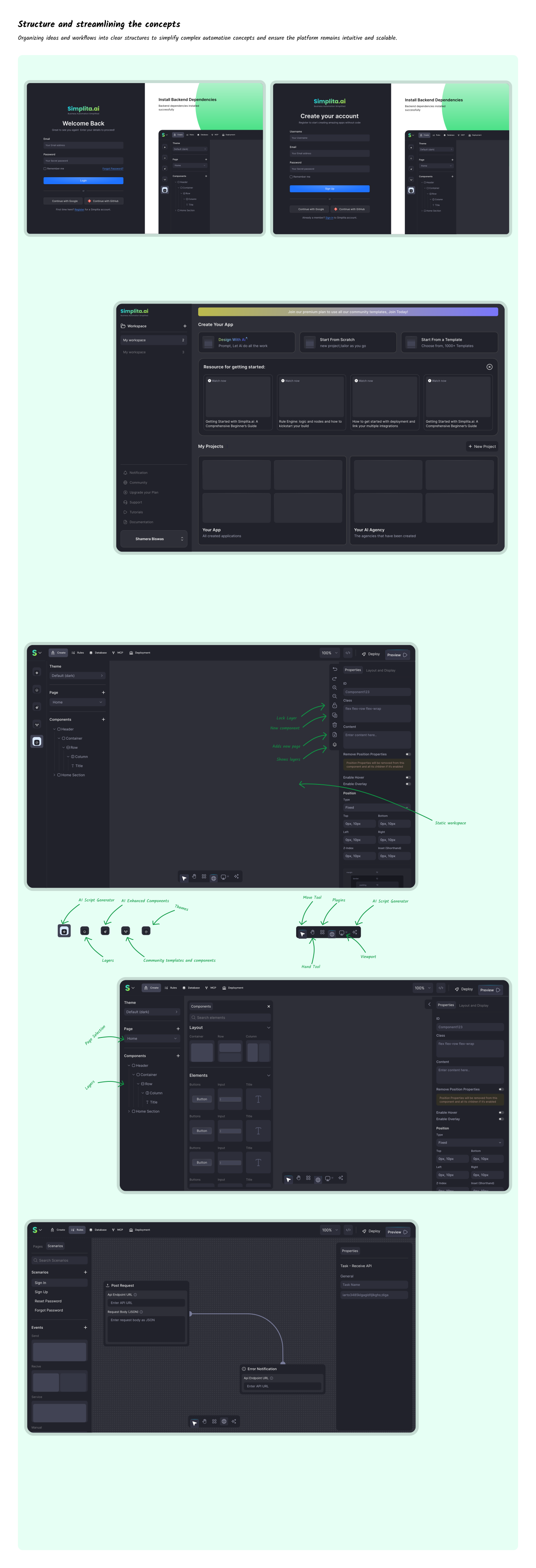
Structure and streamlining the concepts
Organizing ideas and workflows into clear structures to simplify complex automation concepts and ensure the platform remains intuitive and scalable.
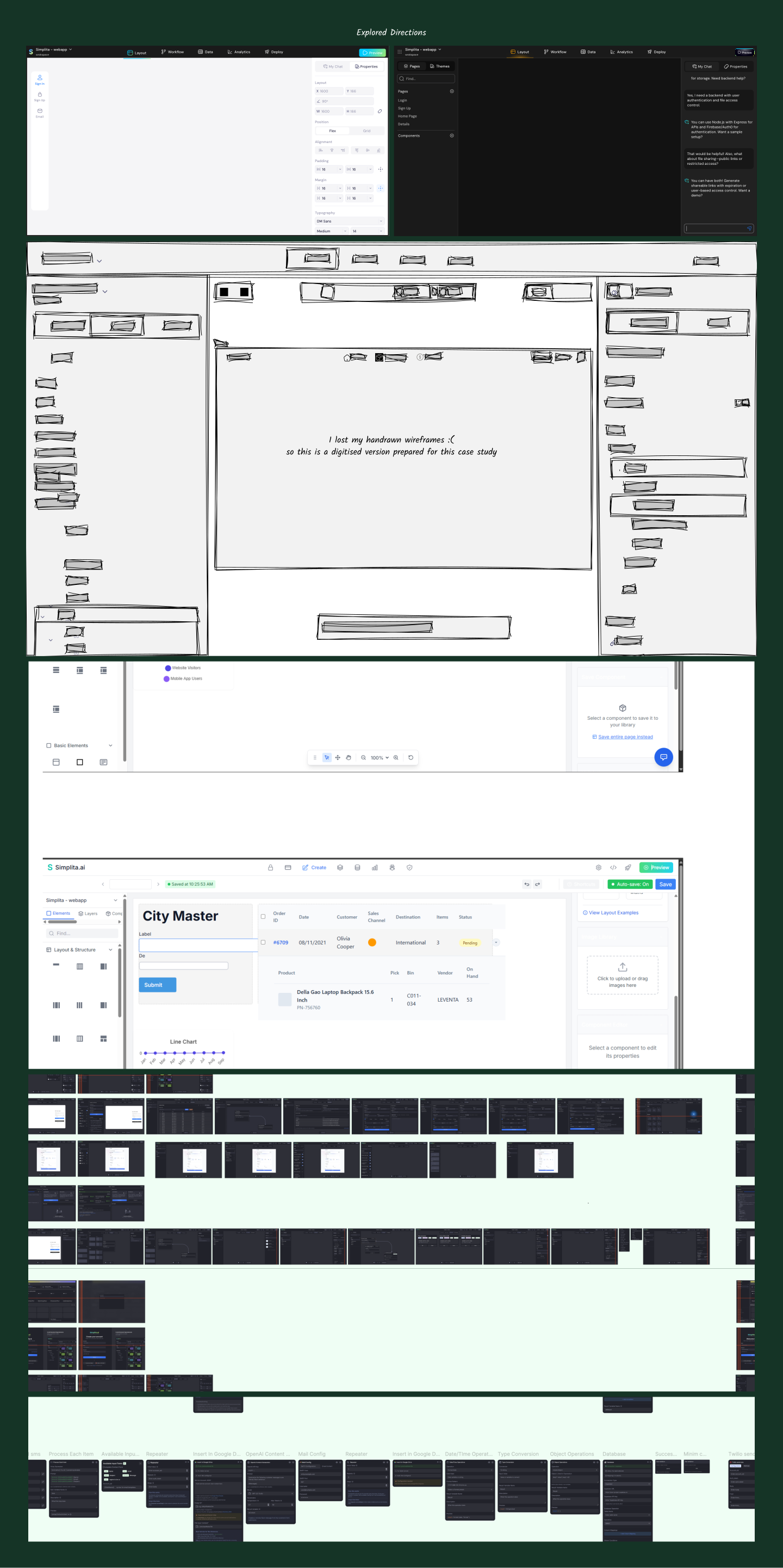
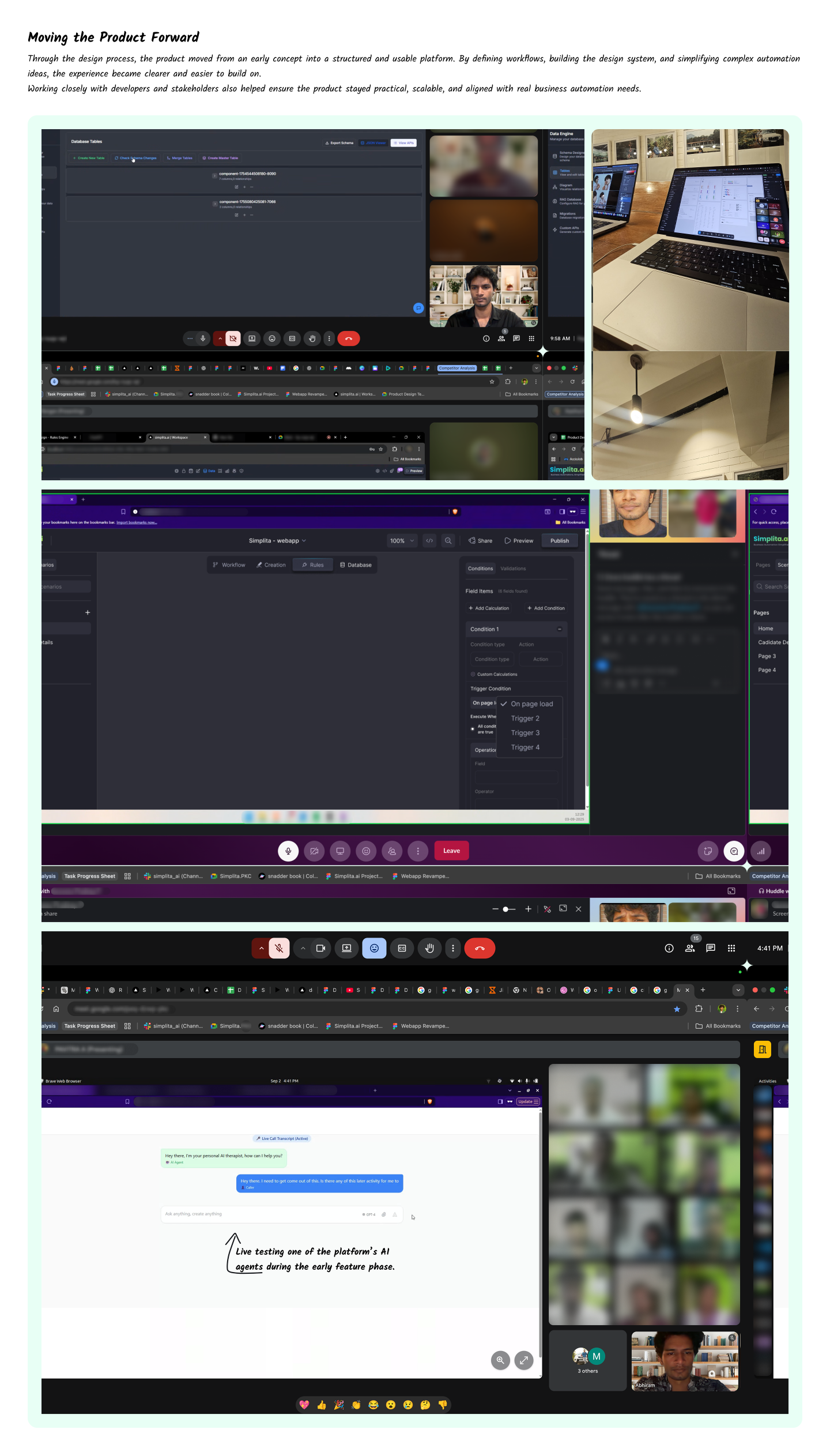
Bringing the Product Together
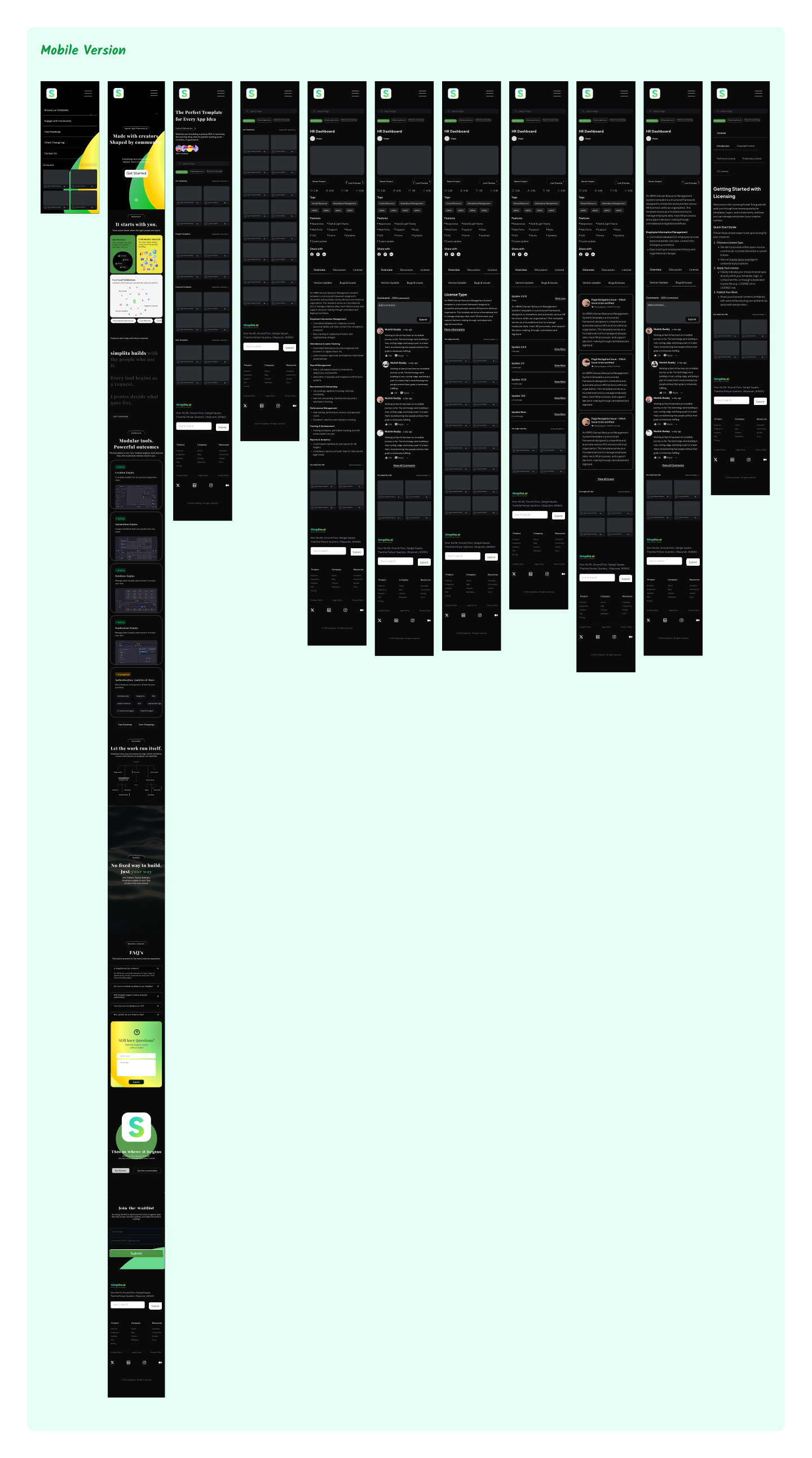
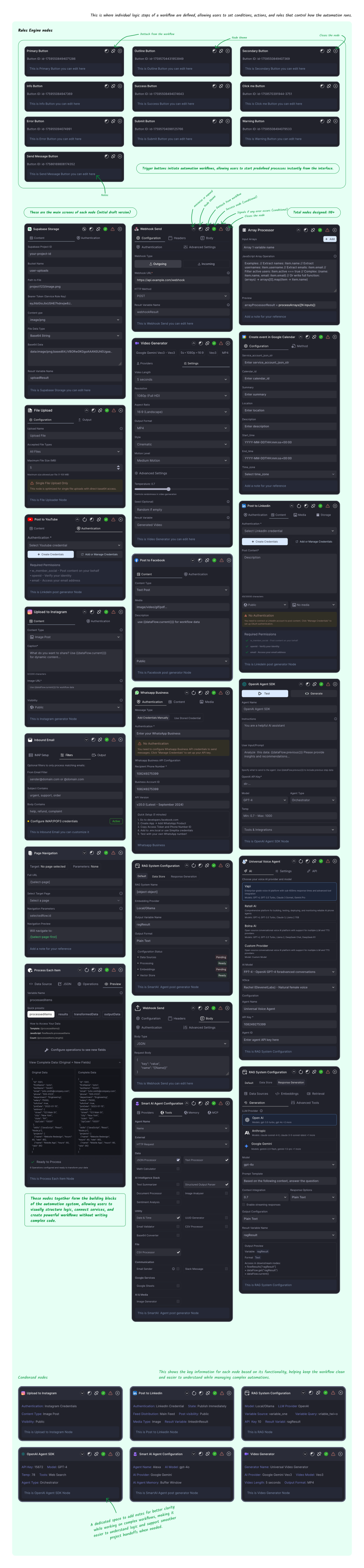
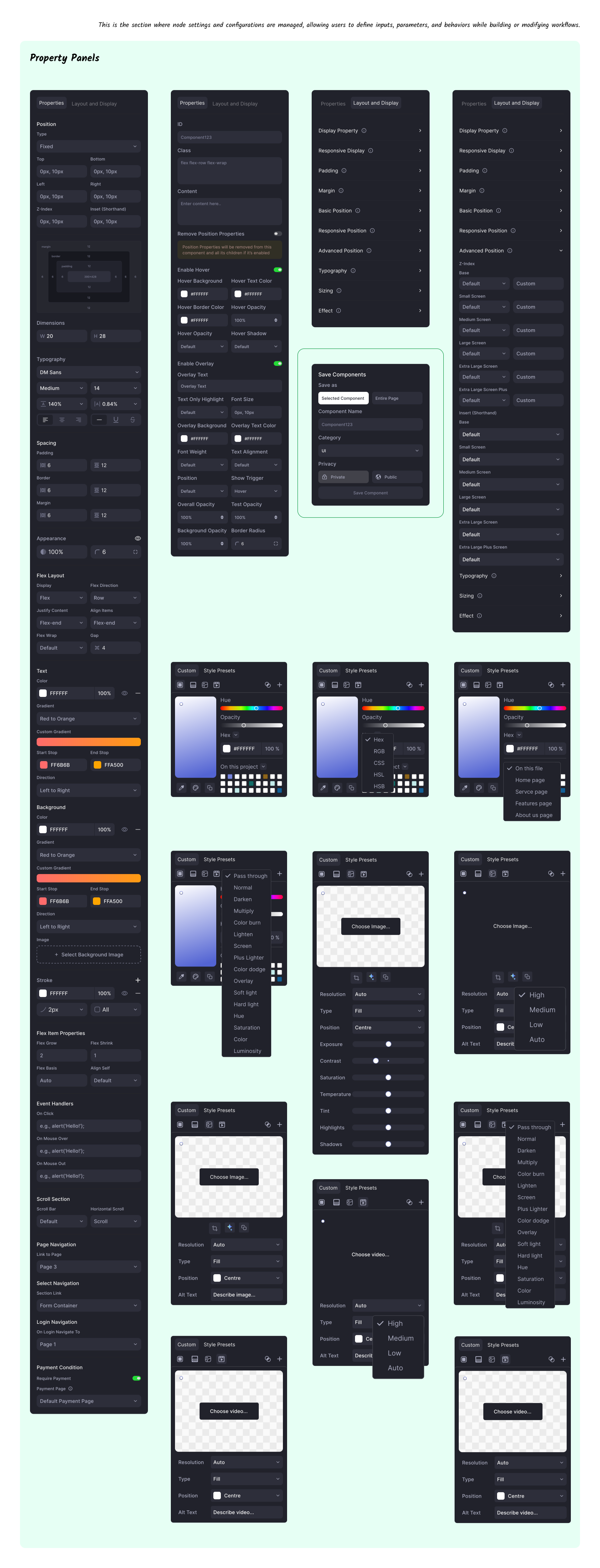
Designing Simplita meant translating a complex technical vision into a structured and usable product experience. The process involved continuously refining workflows, simplifying automation logic, and shaping the system so teams could build and manage automation visually rather than relying on fragmented tools or heavy engineering effort.
User testing and feedback played a key role throughout the process. Each round of feedback helped refine workflows, improve clarity, and optimize how nodes, logic flows, and system interactions were structured. These iterations ensured the platform remained intuitive while still supporting complex enterprise automation.
Outcomes & Impact
- •
Standardized design-to-development handoff across the web app, reducing implementation confusion and back-and-forth between designers and engineers by ~55%.
- •
Introduced structured design documentation, interaction flows, and component guidelines, improving development clarity and reducing clarification cycles during builds by ~48%.
- •
Aligned UI patterns and interaction behavior across the platform, helping engineers implement features ~40% faster during development sprints.
- •
Improved workflow understanding through clearer product flows and visual logic, reducing internal usability friction and improving task comprehension by ~35%.
- •
Established consistent component usage through the design system, reducing UI inconsistencies across the web app by ~45%.
- •
Strengthened cross-team communication through clearer design articulation, enabling smoother collaboration between product, design, and engineering teams by ~50%.
What I Learned
Good product decisions come from framing the problem correctly
Spending time understanding the real problem space often changes the direction of the solution more than the design itself.
Early structure saves exponential rework later
Investing time in defining workflows, naming conventions, and interaction patterns early prevents confusion later and helps teams scale the product without constantly redesigning core systems.
Systems thinking is essential when designing complex products
Working on interconnected workflows reinforced the need to think beyond individual screens and understand how different parts of a system interact and affect each other.
Enterprise products demand scalability from day one
Building design systems and reusable patterns early helped ensure the platform could evolve without redesigning core structures as features expanded.
Prioritization determines product clarity
Not every idea or feature deserves to be built. Using frameworks like MoSCoW helped identify what truly matters, while also validating whether some features should exist at all.
Design is often about reducing cognitive load, not adding capability
The most meaningful improvements usually come from making things easier to understand rather than making them more powerful.
Designing for scale changes how you design early features
Early decisions around structure, naming, and interaction patterns matter more than they seem, because they determine how easily the product can expand without breaking its logic.
User-first thinking must coexist with real-world constraints
While keeping the user at the center is critical, deadlines and product pressures are inevitable. The challenge is making decisions that solve immediate needs without compromising long-term product quality.
Clear decision-making and strong communication shape product direction
Being able to explain design reasoning, align stakeholders, and prioritize effectively was often as important as the design work itself.
Collaboration drives better product decisions
Frequent discussions with developers and stakeholders helped refine ideas, uncover constraints early, and ensure the design stayed practical for implementation.